Plan and fill shifts
Publish staffing requirements, review worker applications, confirm assignments and keep a calendar of upcoming shifts.
Benjour brings hospitality businesses, staffing workers and delivery workers into one coordinated platform. Plan shifts, review working hours and manage local deliveries through dedicated merchant and worker experiences.
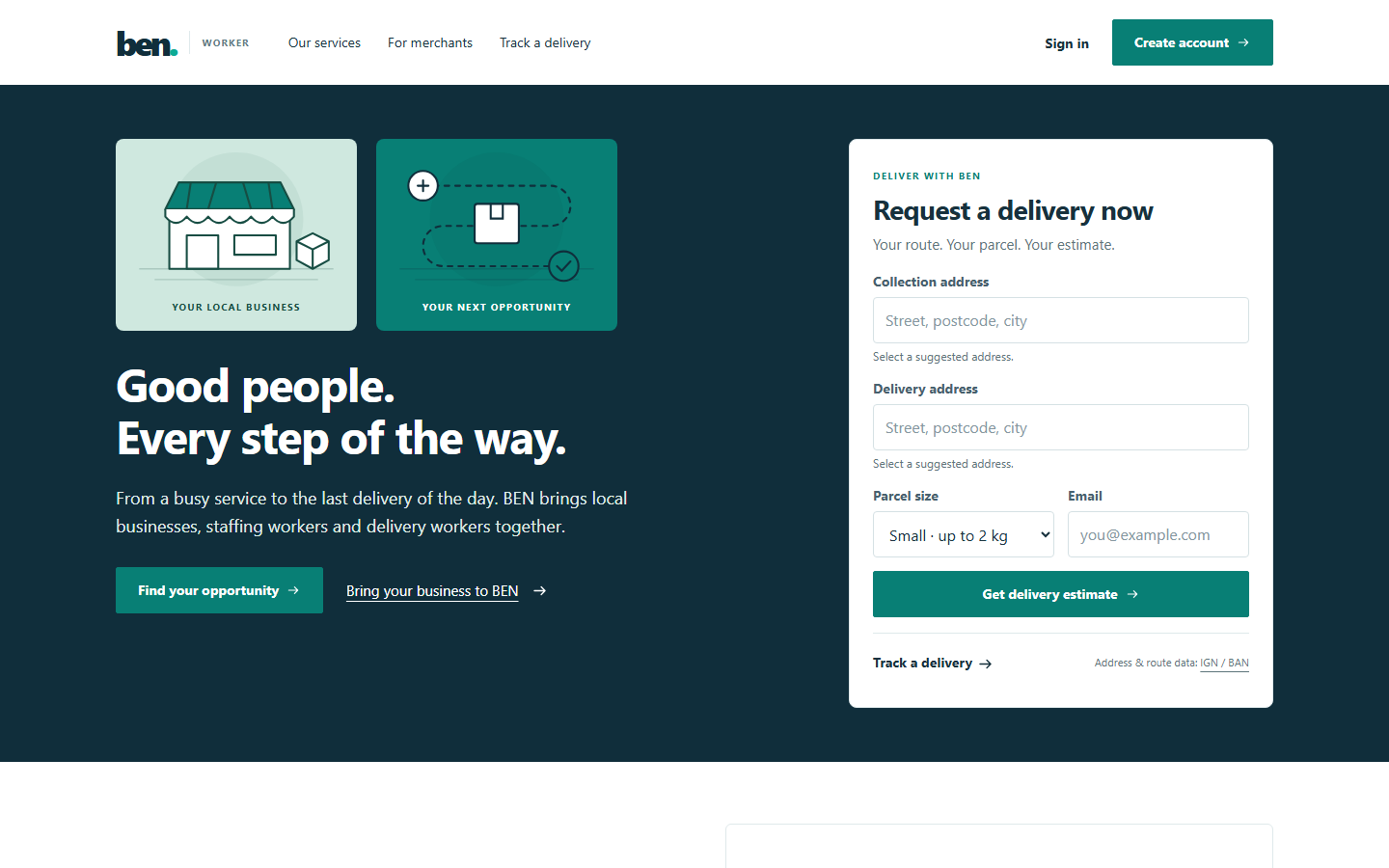
A shared starting point for businesses, workers and delivery customers.
View full-size screenshotTwo connected areas of work: hospitality staffing and delivery operations. Each role gets the tools it needs for the next step.
Publish staffing requirements, review worker applications, confirm assignments and keep a calendar of upcoming shifts.
Track attendance and breaks, review submitted timesheets and resolve disagreements through a shared approval process.
Workers submit their details and documents for BEN review. Delivery applicants also provide a driving licence before approval.
Create delivery requests, save stores and collection points, assign couriers and follow progress from pickup to handover.
Customers can request a delivery estimate and submit a booking request. A separate tracking account shows the progress of their request.
Merchant owners can add managers, review their worker roster and access reports. BEN administrators coordinate verification, dispatch and support.
Explore the merchant, delivery and worker experiences. Open any screenshot at full size to read the interface clearly.
Actual screenshots from the functional pilot. Names, businesses and records shown are demonstration data.
01 / Ben Owner
Owners and managers work inside their merchant account, with staffing tools and delivery operations in one place.
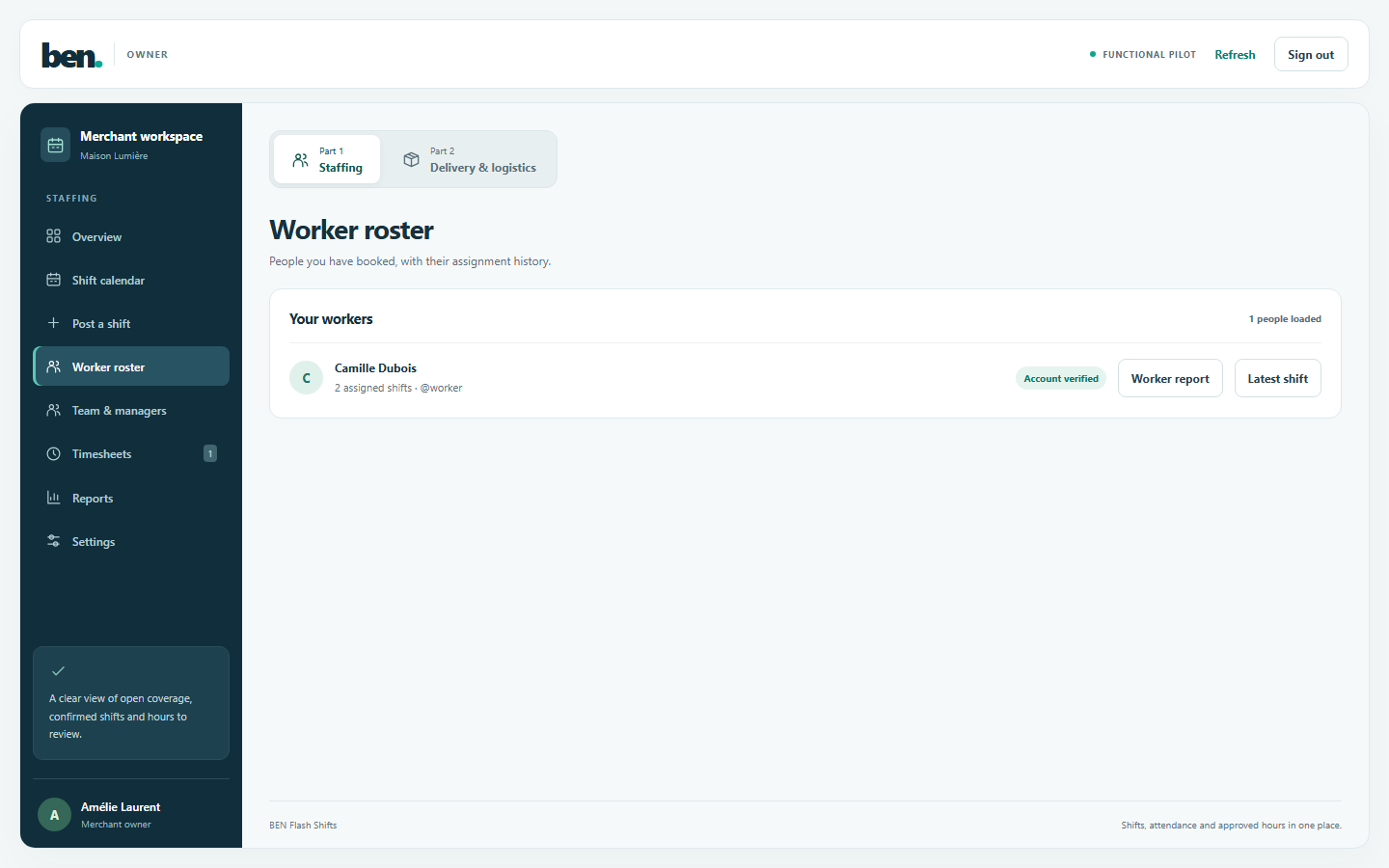
Merchant roster and staffing navigation in Ben Owner.
View full-size screenshot02 / Delivery and logistics
Merchants prepare delivery requests while BEN coordinates dispatch. Assigned couriers update the delivery as it moves through the workflow.
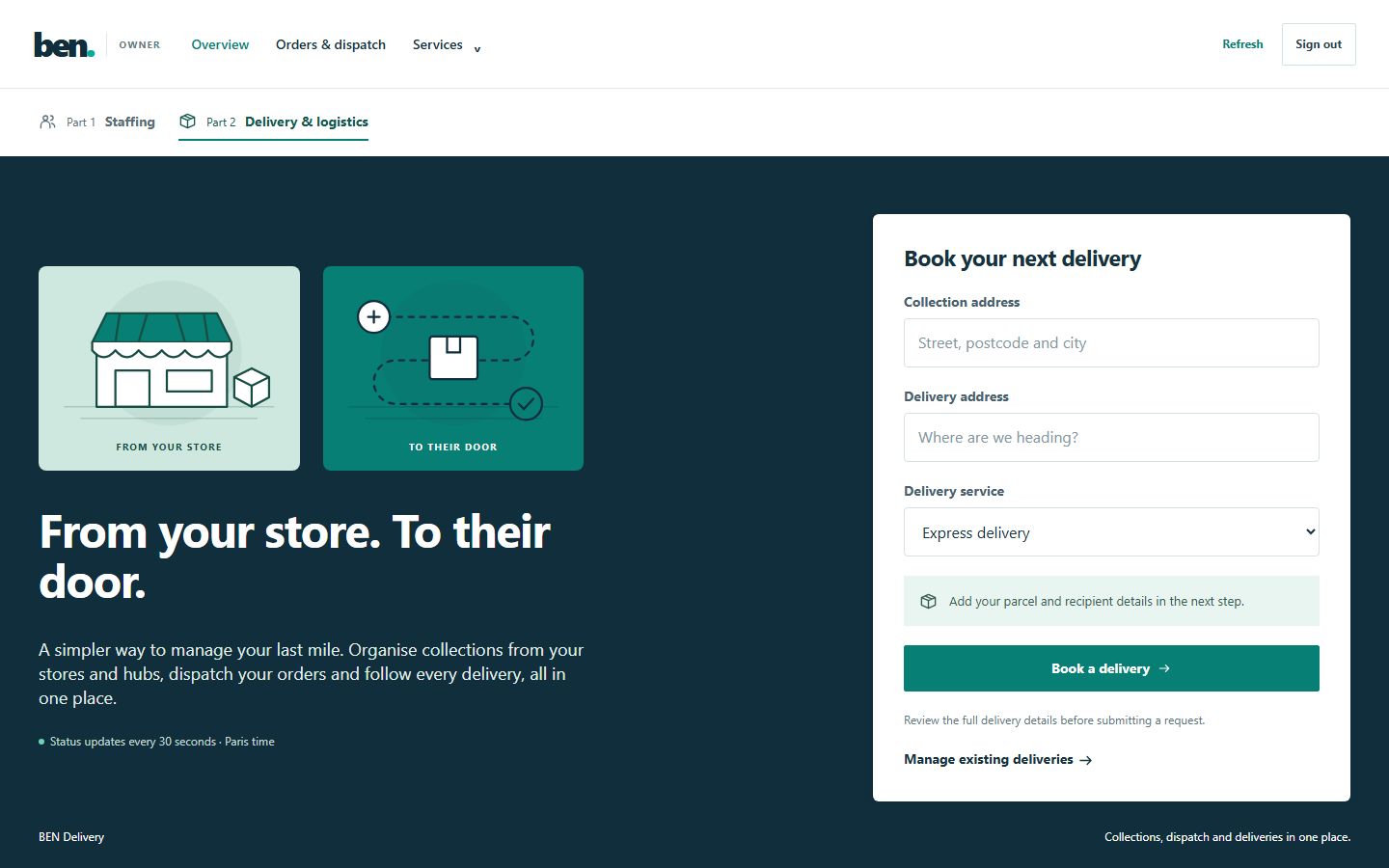
Delivery booking within the merchant workspace.
View full-size screenshot03 / Ben Worker
A dedicated worker experience keeps available shifts, confirmed assignments, attendance and hours within reach on a small screen.
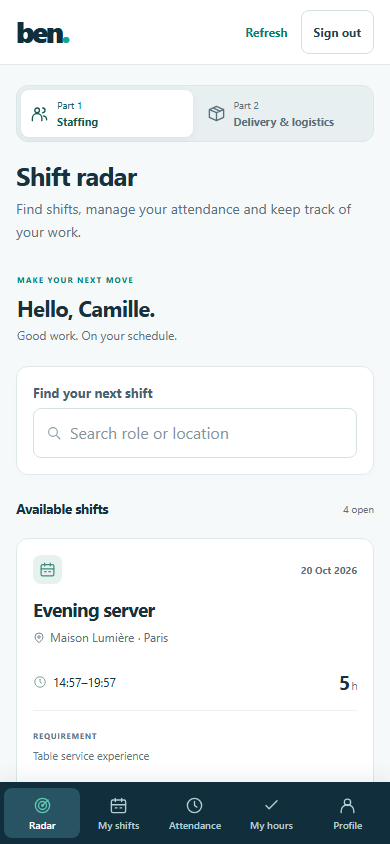
Responsive Ben Worker shift radar with demonstration data.
View full-size screenshotBEN onboards merchants. Workers choose staffing or delivery and submit their documents for review.
Merchants publish shift requirements or create delivery requests. Workers apply for shifts and BEN coordinates delivery assignments.
Teams record attendance, review hours, update delivery progress and use the support process when something needs attention.
Benjour supports hospitality merchants, staffing workers, delivery workers and the BEN operations team. Merchants use Ben Owner, while workers use Ben Worker.
Yes. The merchant workspace includes staffing tools for shifts, workers and hours, alongside delivery tools for requests, collection points, dispatch and handovers.
Merchant accounts are created by BEN after onboarding. Merchant owners can then add managers for their business. Workers have a separate signup and verification process.
The customer enters collection and destination details, reviews an estimate and submits a request with a separate tracking account. BEN reviews the request before it enters the dispatch workflow.
The supplied project is a functional pilot. Access, service coverage and rollout should be confirmed with the BEN team. The screenshots on this page show demonstration data rather than live customer records.
The worker portal includes a responsive interface for shifts, assignments, attendance and hours. The mobile screenshot above shows that experience. Contact the team to arrange a walkthrough.
Talk to our team about the staffing and delivery workflows, request a walkthrough or discuss a similar platform for your business.